
Quick Tour
Nametag is a personal relationships manager. It helps you keep track of the people in your life, how you know them, how they know each other, and the small details (a birthday, a phone number, what you talked about last time) that are easy to forget and meaningful to remember. Think of it less like a CRM and more like a well-organized notebook for your actual relationships.
You can use the hosted version at nametag.one, which has a free tier and affordable paid plans, or self-host it on your own infrastructure for free. Both run the same application, so everything on this page applies either way.
Getting started
Section titled “Getting started”To create an account, head to your Nametag instance (or nametag.one) and register with an email and password. Self-hosted instances auto-verify new accounts by default, so you can log in right away. If your instance owner has configured single sign-on, you may see an SSO button instead of, or alongside, the password form.
Once you’re in, add your first contact from the People page. The only required field is a full name. Everything else, phone numbers, addresses, birthdays, notes, photos, can be filled in now or added later as you learn more about someone. There’s no wrong way to start: some people begin by importing their whole address book, others add a handful of close contacts and grow from there.
From there, a natural next step is creating a group (family, close friends, work) so you can start organizing people as you add them.
Main screens
Section titled “Main screens”Dashboard
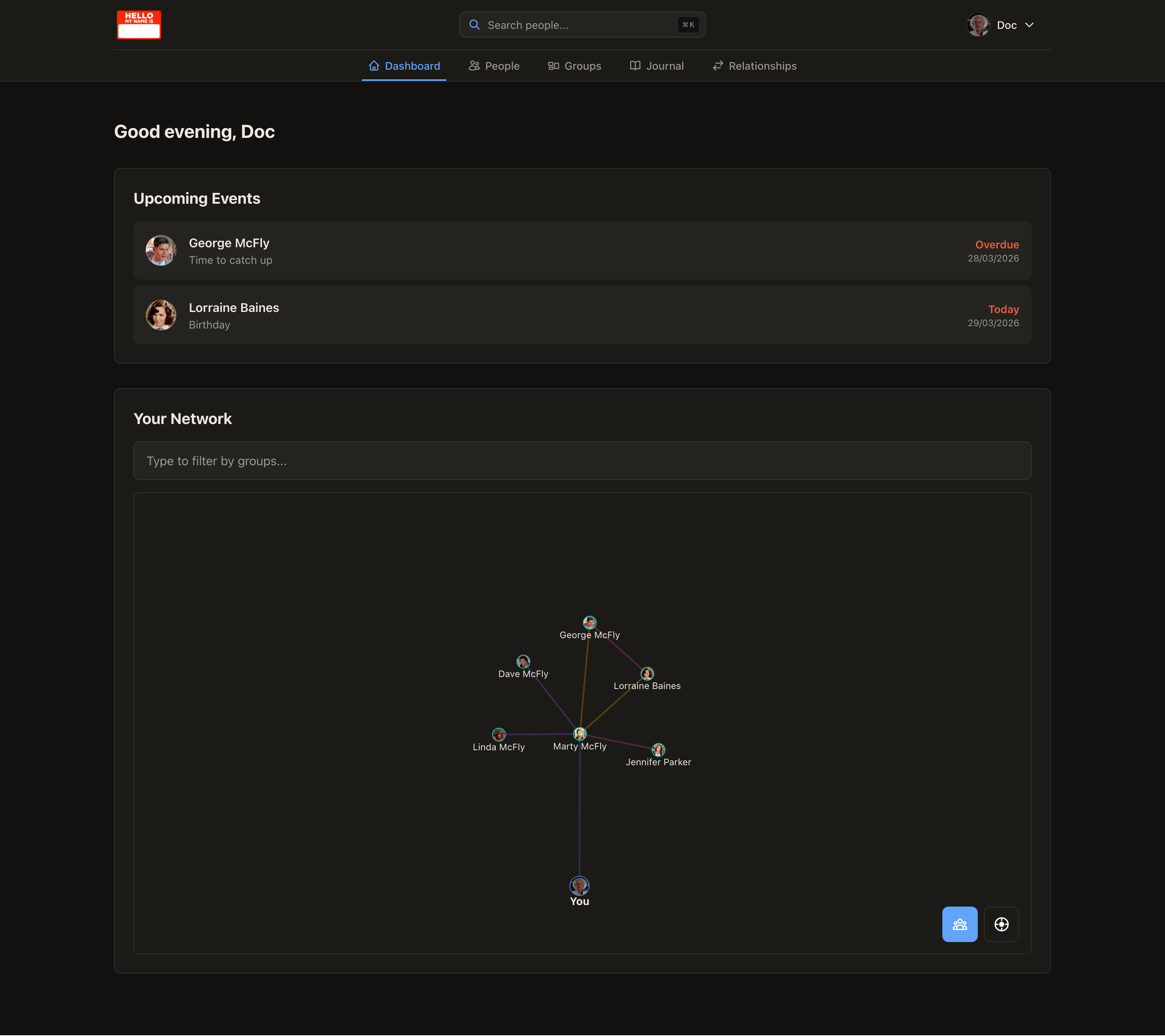
Section titled “Dashboard”The Dashboard is your home base. It shows an interactive network graph with you at the center, radiating out to everyone you’ve added and however they’re connected to each other. Alongside the graph, you’ll see upcoming birthdays and other important dates, so you always know who’s coming up.
People
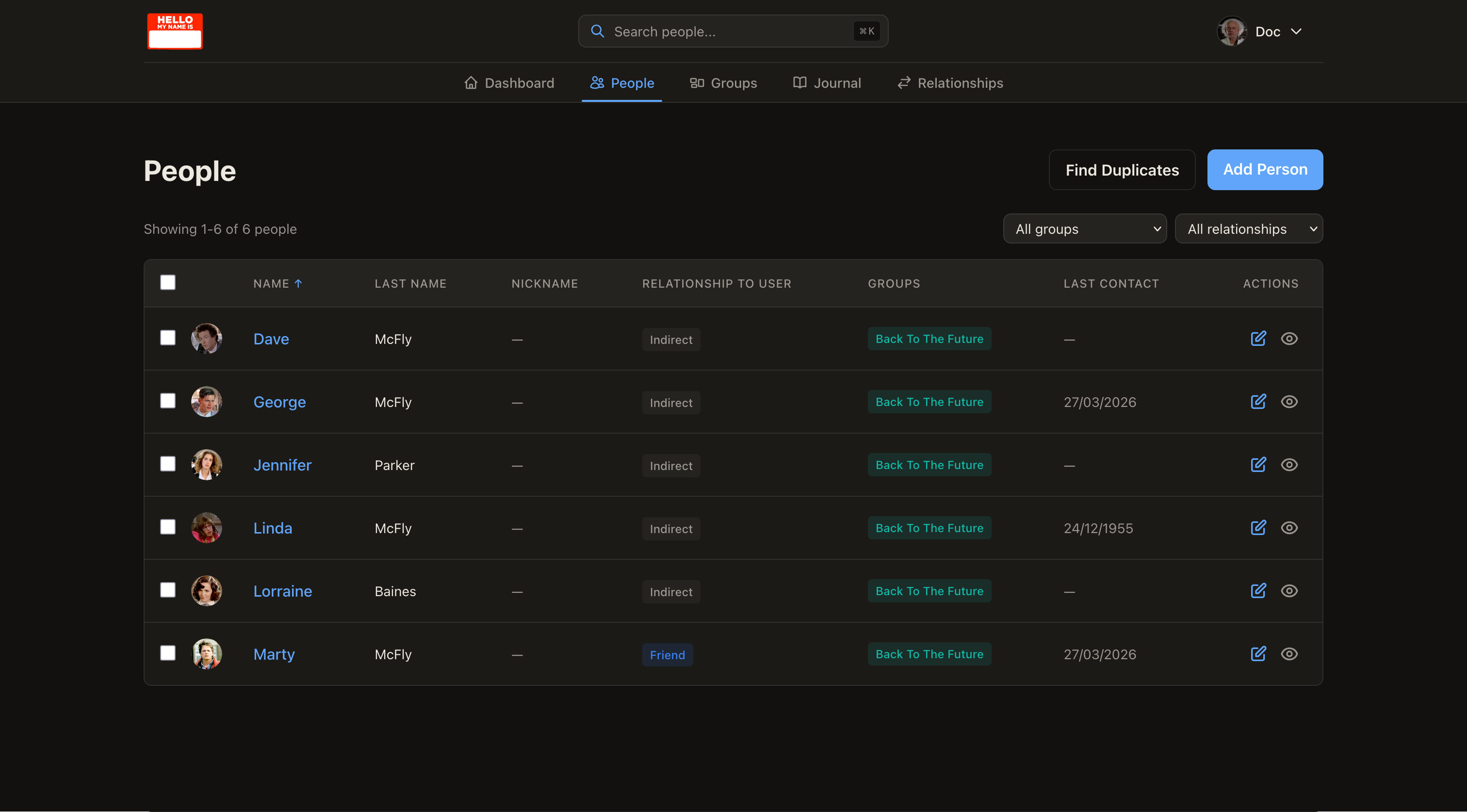
Section titled “People”The People page is where you manage your contacts: a searchable, filterable list of everyone in your network. Sort by name, surname, group, or last contact date, filter by group or relationship type, and open any person to see their full profile.
Groups
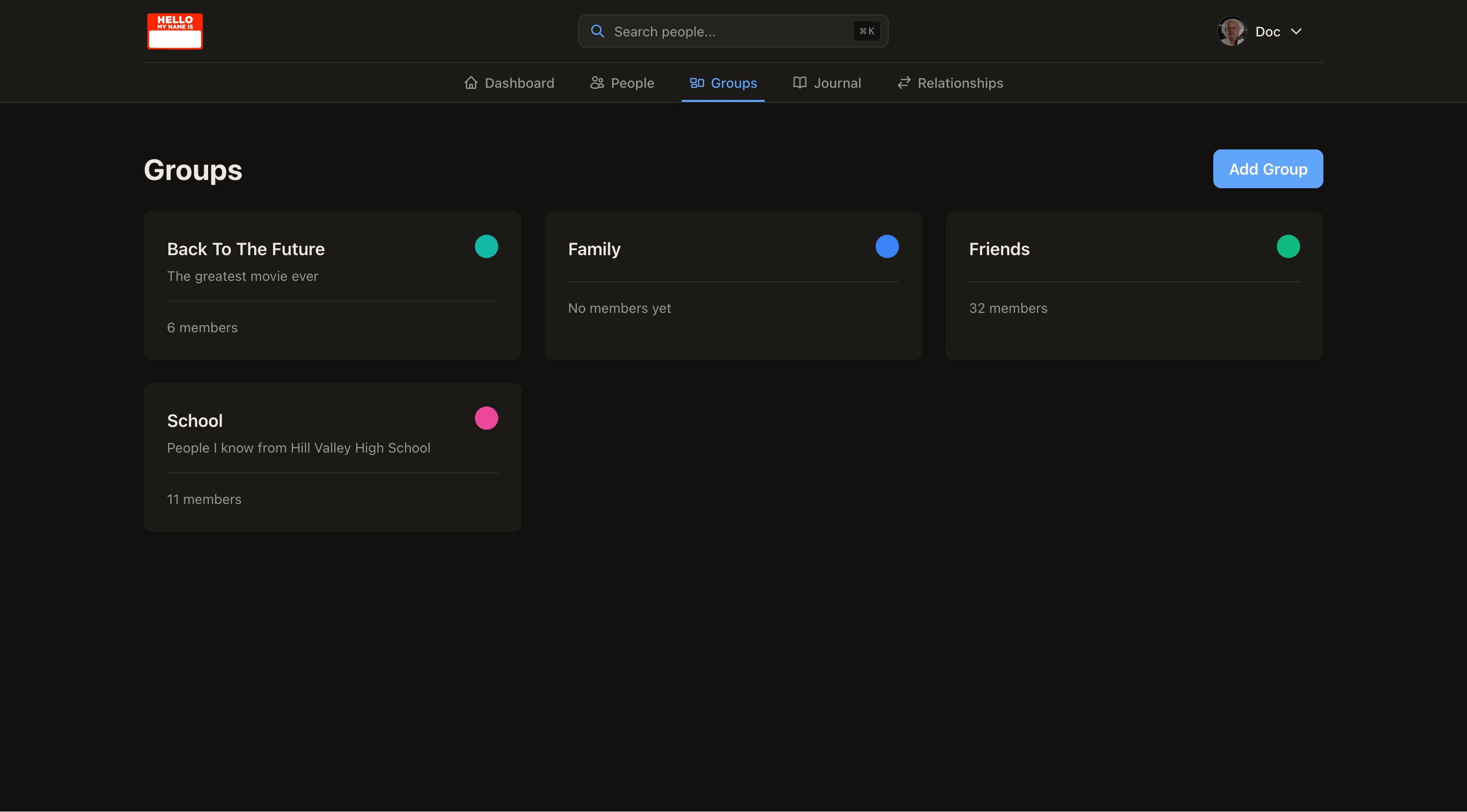
Section titled “Groups”Groups are your own color-coded categories, family, friends, work, school, or anything else that makes sense for you. A person can belong to more than one group, and groups are used for filtering throughout the app, including the network graph.
Journal
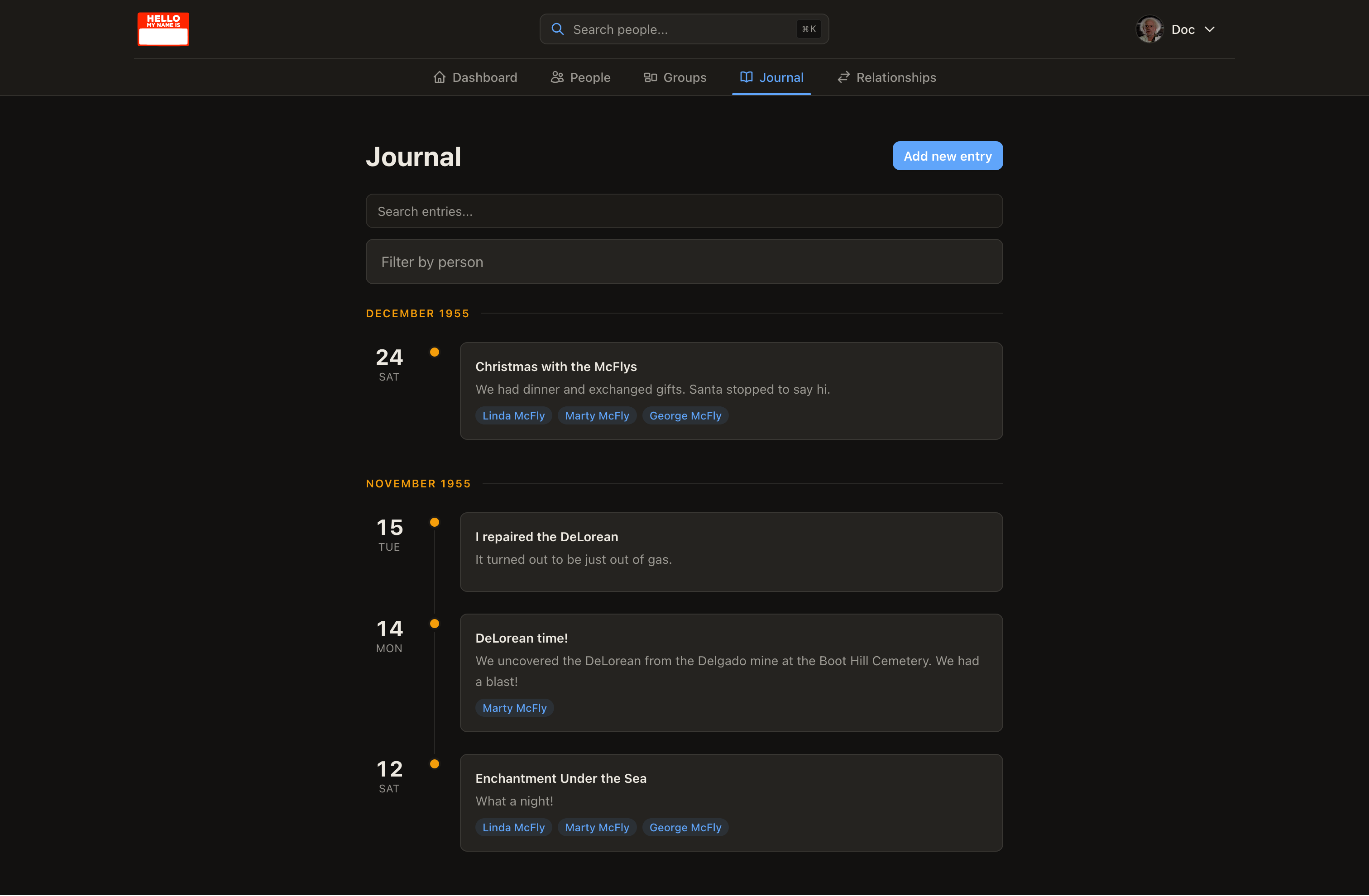
Section titled “Journal”The Journal is a running timeline of notes tied to the people you spend time with. Write about a call, a visit, or a conversation, link it to one or more people, and it becomes part of both the shared timeline and that person’s own history.
The Map shows your contacts’ addresses as markers on a map, geocoded automatically in the background. It’s a different lens on the same data: instead of browsing a list, you can see where the people in your life actually are, and filter by group, city, region, or country.
Relationship Types
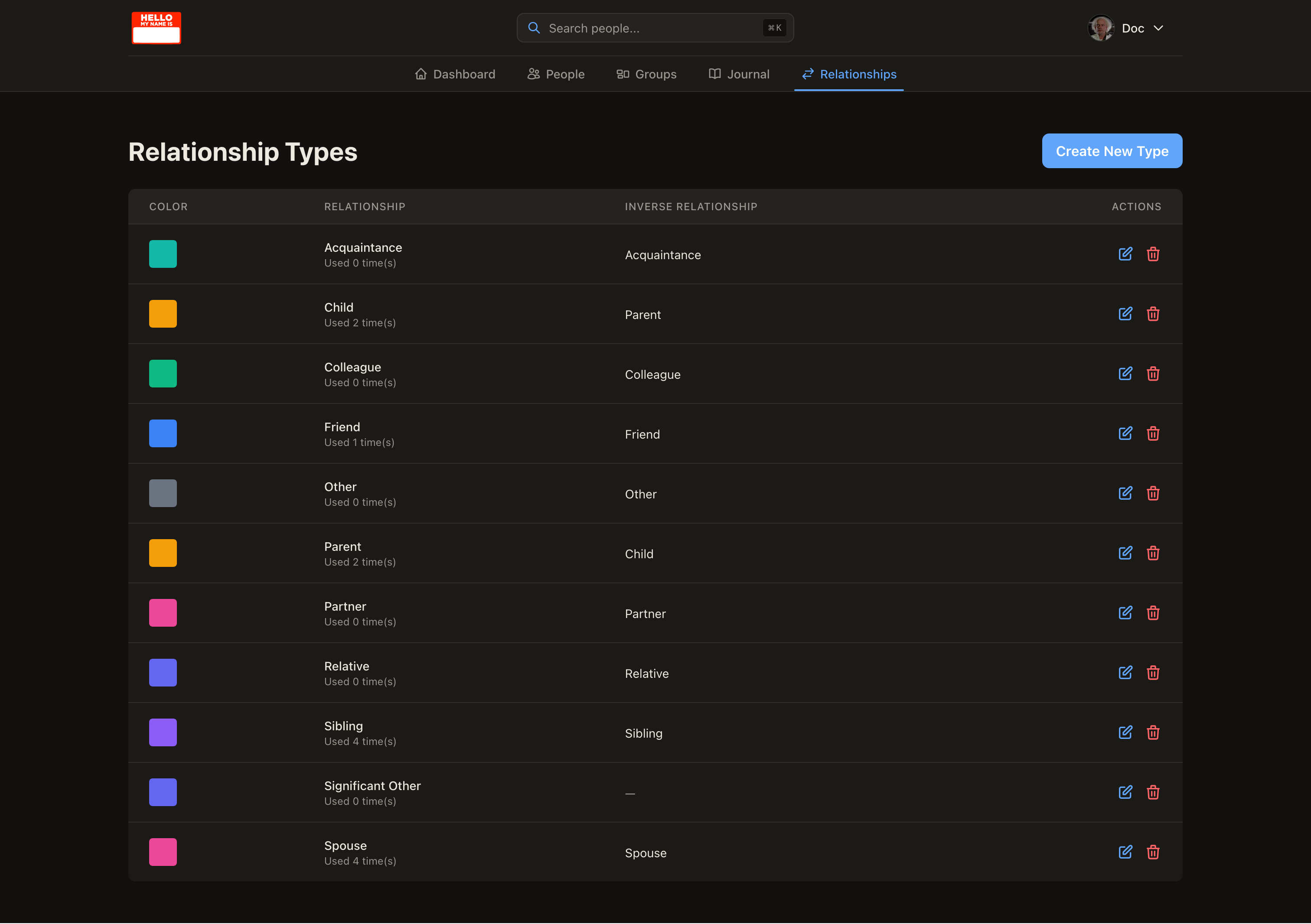
Section titled “Relationship Types”Relationships in Nametag work at two levels: how you relate to someone (“this is my cousin”), and how people relate to each other (“Alice is Bob’s sibling”). Relationship Types is where you define and customize the vocabulary for those connections, with automatic handling of the inverse (mark someone as a parent, and the other person is automatically shown as a child).
Where to next
Section titled “Where to next”If you’d like a deeper mental model of how people, groups, and relationships fit together before diving in, read Core Concepts next. If you’re setting up your own instance, the self-hosting installation guide walks through Docker setup from start to finish.